Create a shipping zone
Go to the Settings menu , under 'Locations and Taxes' click on Shipping Zones link. 'Shipping zones'...
- Go to the Settings menu, under 'Locations and Taxes' click on Shipping Zones link. 'Shipping zones' page appears.
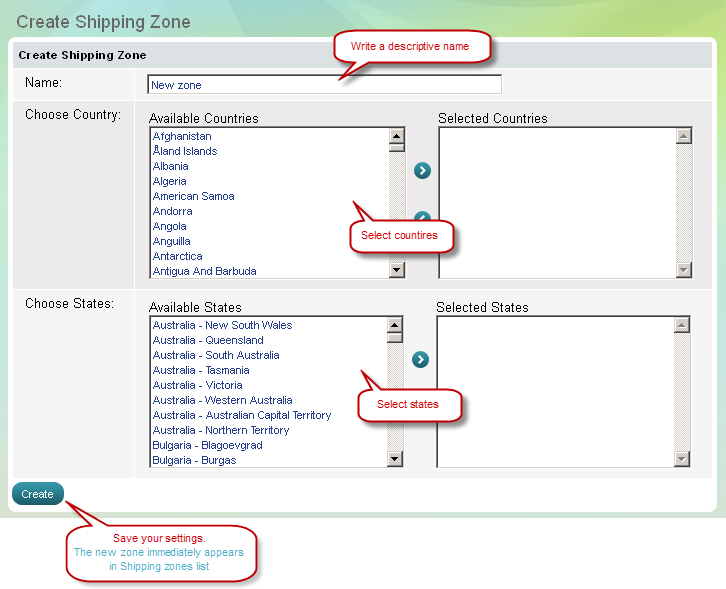
- Click on 'New shipping zone' button on top of page. 'Create shipping zone' page appears.
| Tip: | A new shipping zone will practically get into use only if you assign it to a shipping module at 'Shipping modules' page. |
|---|
-
Код:AA-00458