Edit forms
Go to the Website Content menu , under 'Website Content' click on Forms link. 'Forms' page appears. ...
- Go to the Website Content menu, under 'Website Content' click on Forms link. 'Forms' page appears.
- Find the form you wish to change and click on
 at the end of the row. 'Edit Form' page appears.
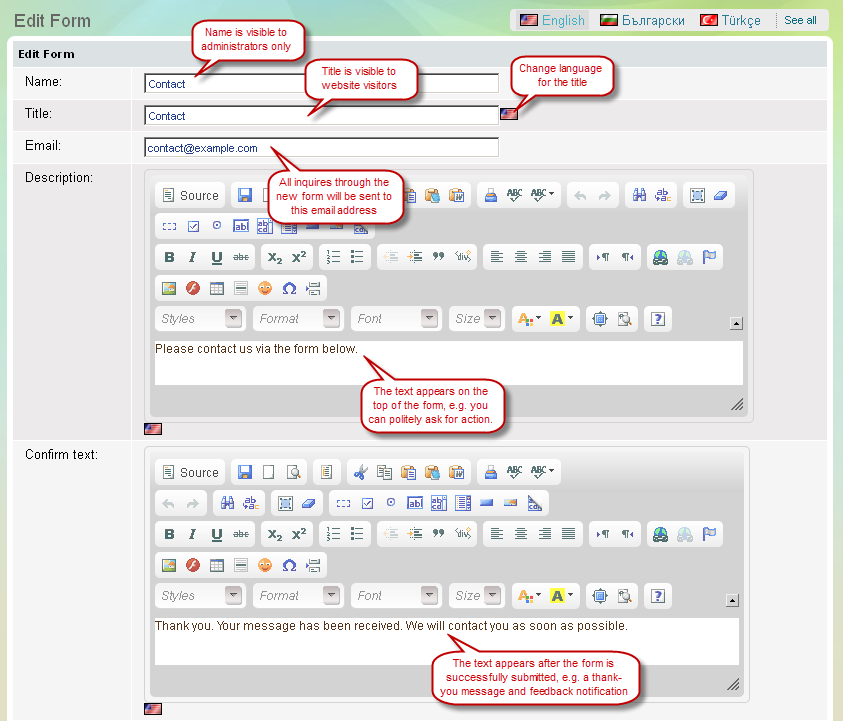
 - You can edit basic information about the form.
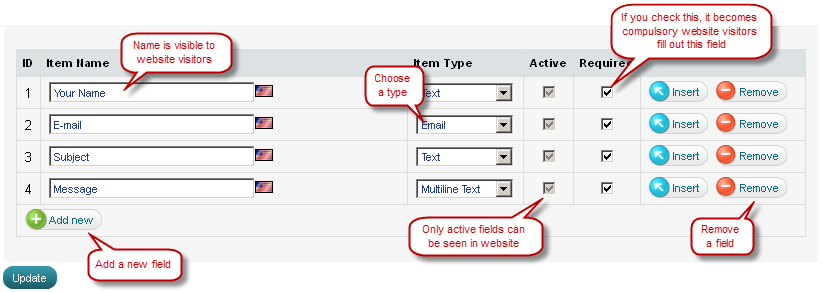
- You can edit the fields that compose the form.
- Save your changes. The form gets instantly updated on the website.
Edit basic information about a form
Edit fields within a form
-
Код:AA-00500